
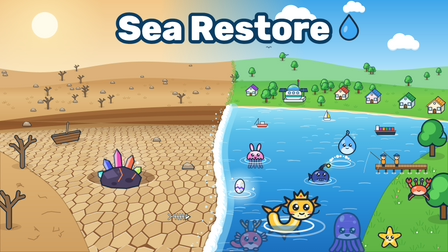
BUILD & RESTORE
Sea Restore
Reverse the idea: pump water into a dried-out sea, improve production and build up an ocean of your own.
Play Sea RestoreA SMALL STRAW. A BIG ADVENTURE.
Play Drink the Ocean free online. Sip the sea, make salt, upgrade your tools and see what the tide leaves behind.
Click inside the player to focus.
If the game does not start, try reloading the player.
Fullscreen depends on your browser. On a phone, try landscape orientation.
Play on PlaygamaKeyboard & mouse on desktop · Touch controls on mobile View controls
COLLECTION·STAY A LITTLE LONGER
More water, more collecting, more satisfying little upgrades.
BUILD & RESTORE
Reverse the idea: pump water into a dried-out sea, improve production and build up an ocean of your own.
Play Sea Restore
DIVE & COLLECT
Dive for fish, keep an eye on your air and return to the pier to sell your catch and improve your gear.
Play Catch a Fish
CLEAN & UPGRADE
Swap the straw for a vacuum nozzle. Clear scattered objects, collect coins and strengthen your suction.
Play Suck It All!
FISH & EXPLORE
Take a different trip to the beach with first-person fishing, reeling, combat and equipment progression.
Play Reel & Slash II: Beach LegendsThese partner links help support this independent site. Playgama may share revenue from eligible game activity.
LOOP GUIDE·FIND YOUR RHYTHM
One simple loop turns a tiny sip into a much bigger adventure.
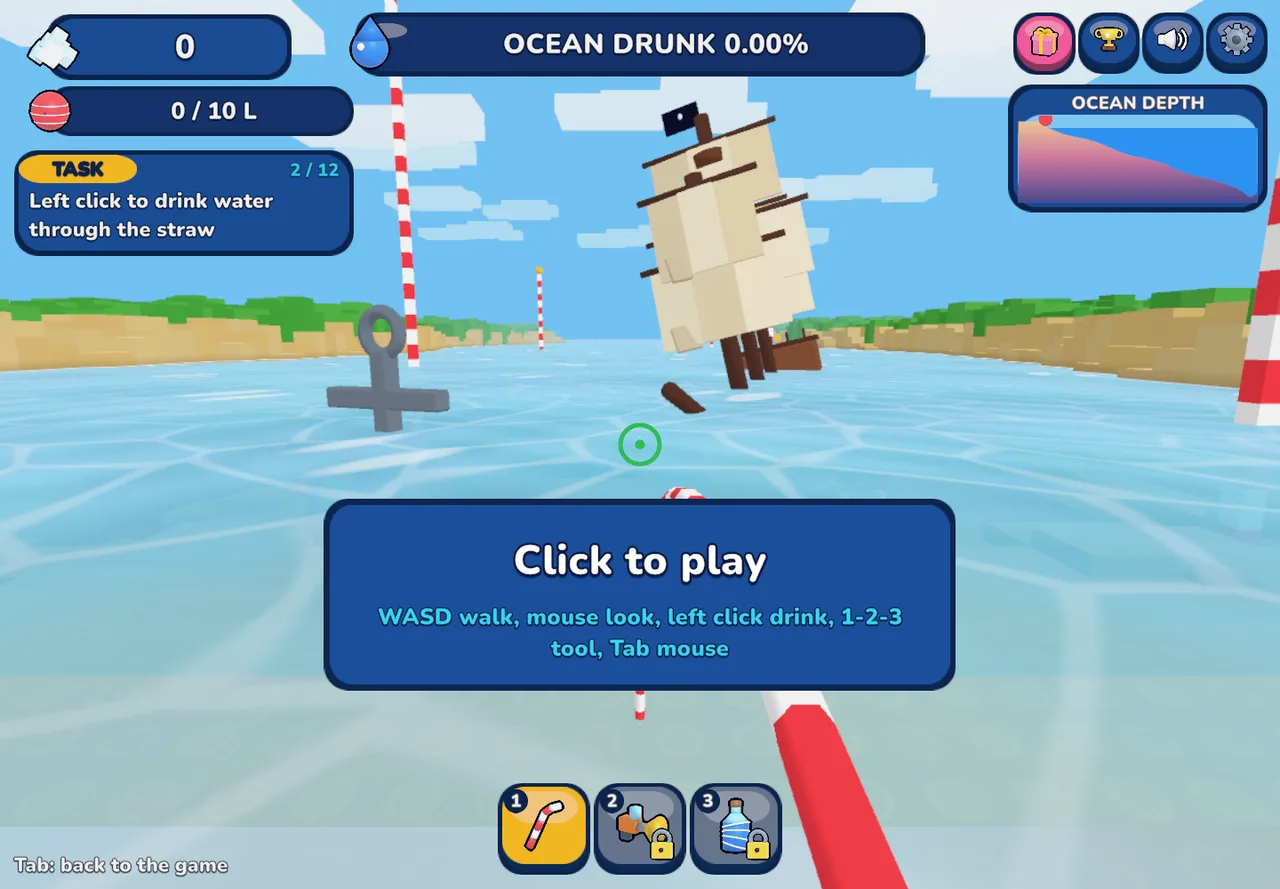
In Drink the Ocean, start at the shoreline with your straw. Use the mouse to look at the water and left click to drink. Watch your belly meter: it tells you when to make the trip back to the beach.
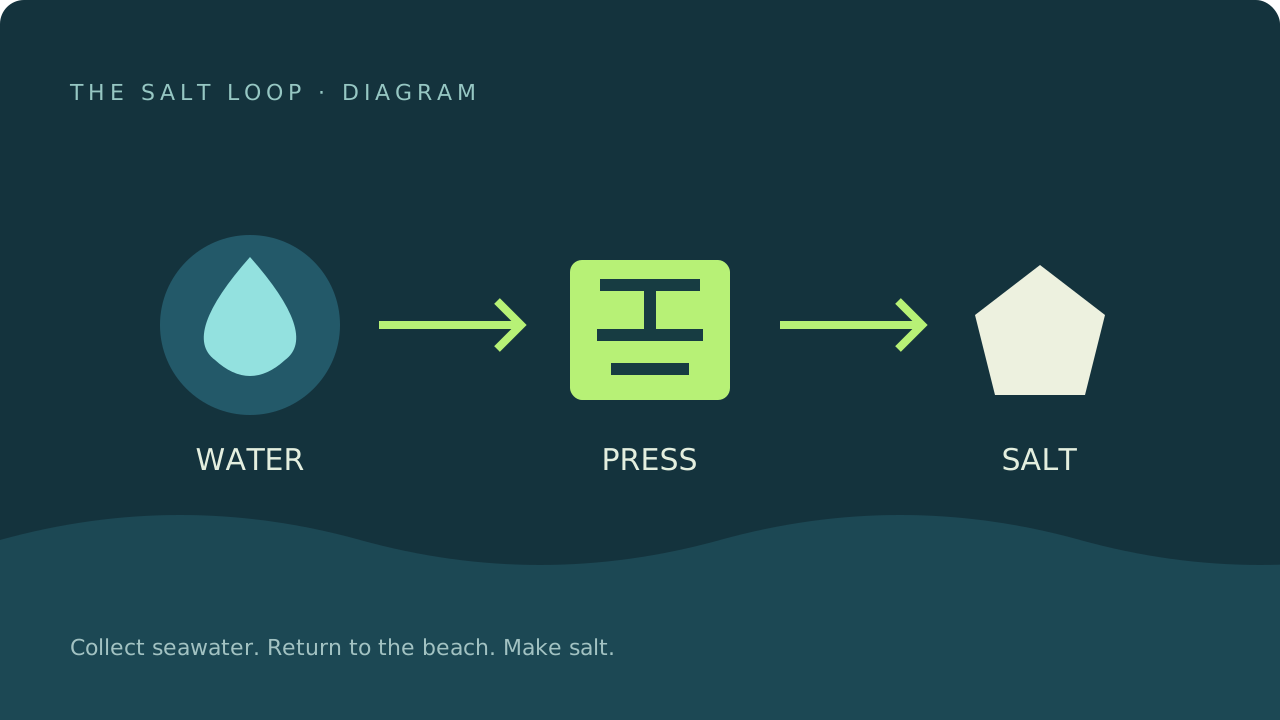
Move under the beach press when your belly fills up. This is where Drink the Ocean turns collected seawater into salt, the currency for upgrades. Return to the shore after pressing to begin the next round.
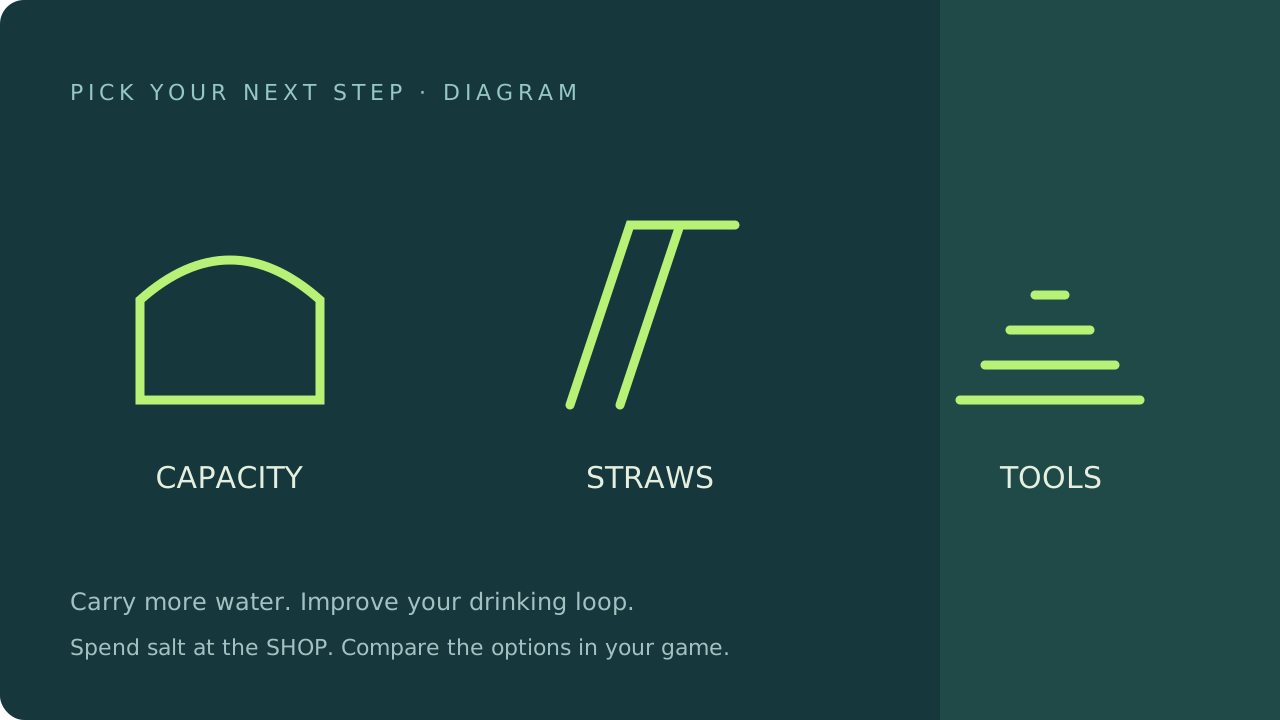
The blue SHOP pad in Drink the Ocean is where you spend salt. Improve your capacity, add drinking tools and repeat the loop. As the water falls, follow the changing shoreline rather than drinking from a patch that has already become dry land.
INPUTS·DESKTOP & MOBILE CONTROLS
Click inside the game first. Your keyboard controls the player once it has focus.
For Drink the Ocean on a phone, turn the screen sideways and use the on-screen controls. Hold DRINK when you reach the water. Playgama lists Android and iOS support; a wider landscape view helps keep the world and controls in sight.
On desktop, press Tab to free the mouse before using the page. Fullscreen is available through the player where your browser supports it.
Mobile play basicsOVERVIEW·A STRANGE LITTLE MISSION
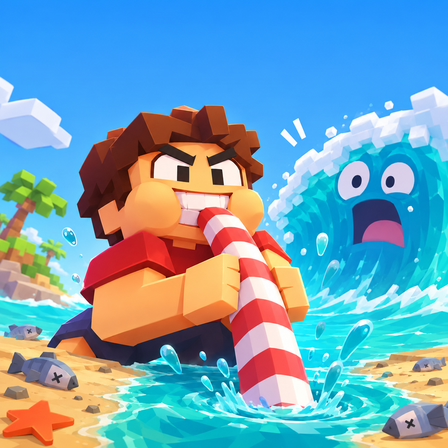
Drink the Ocean is a blocky, first-person incremental game by Pinidi Studio. The idea is wonderfully literal: empty an ocean with a straw. Small trips between the water, press and shop gradually give you the tools to tackle a much larger task.
The reward is both practical and visual. Better equipment makes each loop more productive, while the falling waterline reveals more of the world. Drink the Ocean combines the steady progress of a clicker with a 3D space you can walk around and explore.
This page uses the Playgama edition, with its PRESS and SHOP system. If another Drink the Ocean walkthrough describes a different economy, check that it is covering the same game.
ECONOMY·MAKE EVERY SIP COUNT
Salt is the bridge between collecting water and making meaningful progress.
The PRESS is central to Drink the Ocean: seawater becomes spendable salt when you bring it back and press it. If your belly is full, stop trying to collect more and complete that trip. Then check the SHOP before setting out again.
Playgama describes a bigger belly, extra straws, a mouth vacuum and a pocket whirlpool among the upgrades and tools in Drink the Ocean. More capacity means you can carry more water before pressing; new tools change how you pull water in.
To drain faster in Drink the Ocean, notice what interrupts your rhythm. If you fill up immediately, consider capacity. If collecting water takes most of the loop, inspect the drinking options. Keep your route between the retreating shoreline and the PRESS direct. Compare the choices in your own shop before spending salt.
EXPEDITION·THERE’S MORE DOWN THERE
Progress in Drink the Ocean changes the landscape itself. Playgama describes a shipwreck, a whale skeleton and a sunken city revealed as the water drops. Keep watching the world around you as the shoreline moves and new routes become accessible.
The long-term goal in Drink the Ocean is to reach the plug on the ocean floor. Pulling it starts another ocean run, with liquid themes including cola, lemonade, slime and lava. Follow the game’s prompts as you progress; exploring and upgrading are part of getting there.
The ocean-floor goalGALLERY·A CLOSER LOOK INSIDE
A real game startup view, plus diagrams of the drinking, salt and upgrade loop.
HANDBOOK·BEFORE YOUR NEXT SIP
A few answers before you head back to the water.
Drink the Ocean is a first-person incremental browser game by Pinidi Studio. You drink seawater, convert it into salt and spend the salt on upgrades. The shrinking ocean opens up more of the landscape as you progress.
You can start Drink the Ocean for free through the Playgama player above. The provider may show advertising or offer optional in-game purchases. You do not need to download an installer from this site to start playing.
Fill your belly with seawater, then move under the PRESS on the beach. The press converts the water into salt. Drinking and pressing are separate parts of the loop; simply standing in the water does not finish the conversion.
Look for the step that slows down your loop. More belly capacity helps when you keep filling up; drinking tools help you collect water. Spend salt at the blue SHOP pad and compare the options shown in your game before buying.
Playgama lists Android and iOS browser support. Use the on-screen controls and hold the DRINK button near the water. Landscape orientation gives the game more room. Device performance and fullscreen support depend on the browser.
Keep lowering the water until you can reach the plug on the ocean floor. Playgama describes pulling the plug as the start of another ocean run. The new liquid themes include cola, lemonade, slime and lava.
Click inside the player so it receives your keyboard input. Use WASD to move and the mouse to look. Press Tab to release the mouse when you want to return to this page. Reload only after considering any unsaved progress.
This page embeds the Playgama game, identified by its PRESS and SHOP loop. Mana also has a game called Drink the Ocean. Check the provider when following a walkthrough, because controls and progression from a different game may not apply.
The ocean isn’t going to drink itself.
Back to the game